


 Erdinç Kaddoura
Updated Date:
How Digital Advertising Analytics Helps You Optimise Marketing Campaigns
Why Digital Advertising Analytics Matters

Digital ads can quietly drain your budget when you don't measure the results. You run campaigns on Google, Facebook or Instagram, spend thousands, and still can't tell why sales aren't coming in. Digital advertising analytics shows you what's working and what isn't.
It turns raw data into clear actions, helping you cut waste, get more clicks that convert and improve your ROI. In this post, we'll break down how advertising analytics works, the key metrics to monitor and simple steps to optimise your marketing campaigns, so you can see real improvement.
What Is Digital Advertising Analytics?

Digital advertising analytics is the control panel for your ad spend. It pulls data from platforms like Google Ads and Meta Ads Manager, along with tools like Google Analytics, and shows you clicks, views, purchases and user behaviour in one place.
Why use it? Ad platforms give you basic statistics, but analytics fills in the gaps. Did that click lead to a sale? Which audience responds best? Without these answers, you're guessing, and every dollar works less hard for you.
It's essential for PPC specialists and agencies. It helps you spot fraud early, for example sessions that end within seconds or traffic spikes from unusual locations, and it proves the value of campaigns to clients. Even small, data-driven tweaks can make a noticeable difference in conversions.
Key Metrics That Drive Campaign Optimisation

Focus on these core numbers and review them weekly to spot patterns.
| Metric | Definition & Formula | Benchmarks & Red Flags |
| Click-Through Rate (CTR) | Clicks / Impressions. Shows how engaging your ad is to your target audience. | Google Search average: 6.66% across industries (WordStream, 2025). A CTR well below your industry average usually points to weak ad copy or poor targeting. |
| Conversion Rate (CR) | Conversions / Clicks. Shows how effectively your landing page turns visitors into leads or customers. | Google Search average: 7.52% (WordStream, 2025), ranging from about 2.5% in finance to nearly 15% in automotive services. A rate far below your industry suggests friction on your website. |
| Cost Per Acquisition (CPA) | Total Spend / Conversions. The cost of acquiring one customer. | Must stay below customer value. If CPA exceeds what a customer is worth, pause and rethink the campaign. |
| Return on Ad Spend (ROAS) | Ad Revenue / Ad Cost. Shows the gross revenue generated per dollar spent. | Depends on your margins. Your break-even ROAS is 1 divided by your profit margin (for example, 2:1 at a 50% margin). Anything below break-even loses money. |
| Bounce Rate | Non-engaged sessions / Total sessions (in GA4). Shows how relevant your page is to visitors. | Watch for sudden jumps. A rising bounce rate can point to slow load times or ad copy that doesn't match the page. |
| Average Engagement Time | Time users actively engage with your site. Shows how deeply visitors interact with your content. | Very short sessions plus high bounce often point to bot traffic or technical errors. |
Use this table for quick checks:
| Metric | Good Target | Red Flag | Quick Fix |
| CTR | At or above your industry average | Well below your industry average | Better headlines and images |
| Conversion rate | At or above your industry average | Falling while traffic grows | Faster, clearer landing pages |
| ROAS | Above break-even | Below break-even | Refine audience targeting |
| CPA | Under customer lifetime value (LTV) | Over LTV | Add negative keywords |
| Bounce rate | Stable over time | Sudden spikes | Match ad to page content |
Example: Imagine an advertiser seeing low ROAS on its search ads. Analytics shows that most mobile visitors leave within seconds. A mobile-first redesign of the landing page is the logical next step, and analytics then shows whether conversions improve.
How Analytics Spots Waste and Fraud in Campaigns
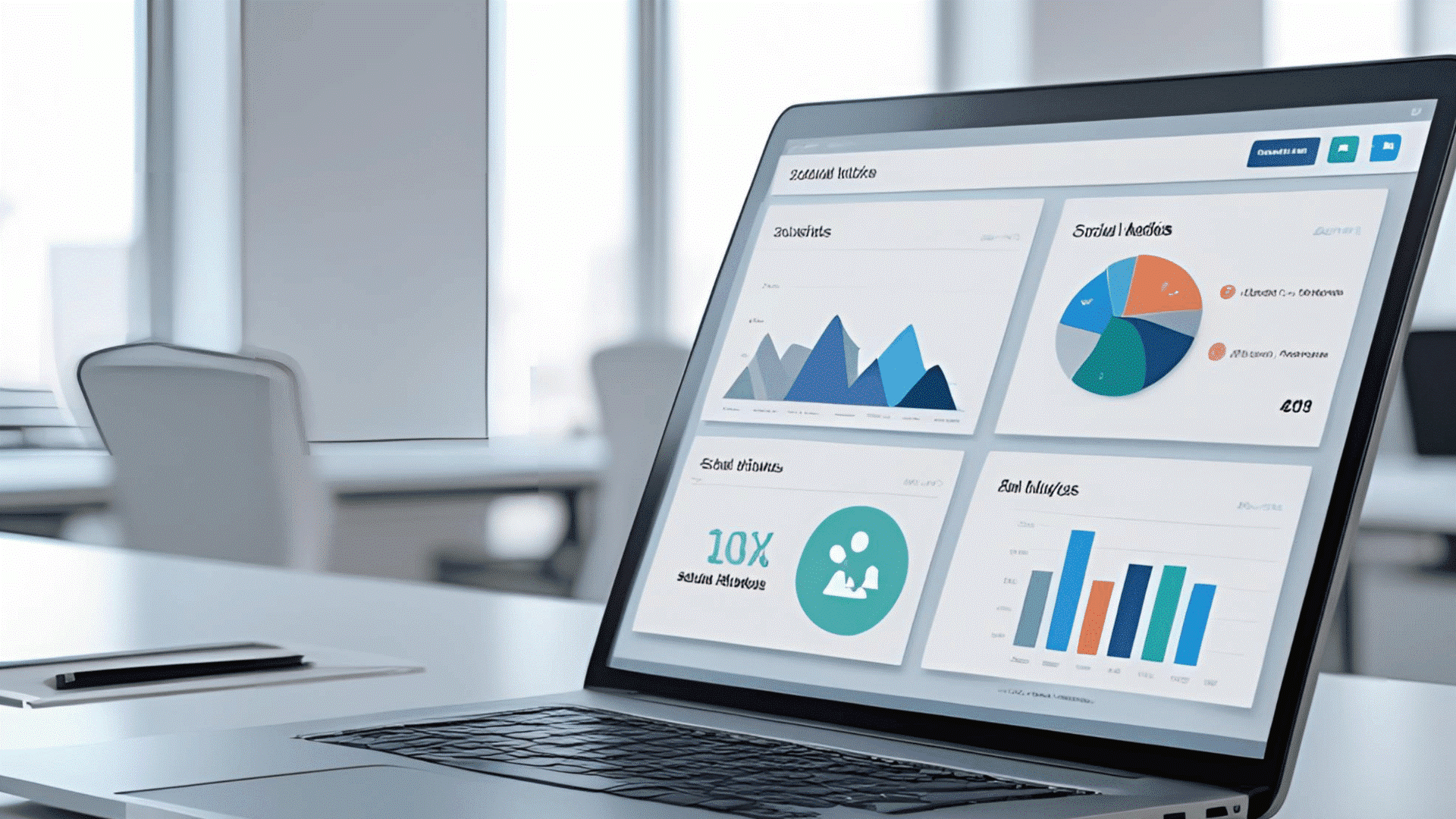
Ad waste happens quietly. Analytics helps you uncover it:
| Area | What to Look For | Action to Take |
| Fraud Detection | High CTR combined with very short sessions, repeated clicks from the same sources or traffic spikes from unusual locations can signal click farms or bots. | Block suspicious IPs and devices with click fraud protection to protect your budget. |
| Audience Mismatches | A large share of clicks that never convert from certain segments, compared with your conversion data. | Refine targeting by adjusting or excluding specific ages, locations and interests. |
| Underperformers | Ads or campaigns with high spend but low ROAS (return on ad spend). | Pause them or reduce their budget, either manually or with automated rules, to stop further waste. |
Link Google Ads with Google Analytics to see the full funnel, and use UTM tags to track every traffic source. Removing keywords that spend without converting is one of the fastest ways to cut waste. Analytics is especially useful for traffic source analysis.
Step-by-Step: Use Analytics to Optimise Campaigns

This plan helps you turn data into results.
Set Up Tracking Correctly
➔ Install Google Tag Manager and Google Analytics 4.
➔ Add Google Ads conversion tags to your thank-you pages or key actions.
➔ Set up GA4 ecommerce events to track sales and revenue.
➔ It takes a little time up front, but it pays off in every campaign that follows.
Build Custom Dashboards
➔ Create free visual reports in Looker Studio (formerly Google Data Studio).
➔ Build reports for ROAS by campaign, top devices and audience segments.
➔ Set alerts for key thresholds, for example when CPA rises above your target or CTR drops sharply.
Analyse Weekly and Act
Day 1: Review your top and bottom performers. Pause the ads that consistently lose money.
Day 2: A/B test your winners by tweaking copy and images.
Day 3: Refine targeting. Add negative keywords, such as "free" if you sell a premium product.
Ongoing: Gradually increase budgets on high-ROAS campaigns, giving Smart Bidding time to adjust after each change.
Example: A local airport shuttle service sees a high CPA from broad keywords. Analytics shows that most conversions come from specific searches like "airport shuttle" plus the city name. Shifting budget to exact-match keywords like these is a simple way to bring CPA down.
Advanced Tactics
Attribution models: Understand which touchpoints, from the first click to the last, contribute to sales.
Cohort analysis: See which campaigns bring in repeat customers.
Cross-platform view: Combine Meta and Google data to get the complete picture.
Tools like Supermetrics can bring all this data together.
Real Results From ClickSambo Customers
Analytics delivers proof. Here's what clean traffic data has done for ClickSambo customers:
| Business | The Problem | The Intervention | The Result |
| Appliance repair shop (Izmir) | Only about one call a month despite steady ad spend. | Cleaned traffic and blocked local competitor fraud with ClickSambo. | 140 leads a month |
| Small business | Lead volume held back by fake clicks. | Identified and blocked fraud in real time. | Leads grew from 39 to 122 |
Agencies also rely on analytics for client reports, since clear charts prove value and help win renewals. ClickSambo's traffic management solutions give you that visibility for every campaign.
Common Mistakes and How Analytics Fixes Them
Avoid these traps:
➔ Ignoring mobile data, even though mobile often brings in a large share of traffic.
➔ Skipping negative keywords and paying for searches like "free."
➔ Focusing on vanity metrics like total clicks instead of ROAS.
➔ Keeping platforms in silos and missing the full customer journey.
Analytics helps you spot these early, and regular audits keep your campaigns lean.
Beyond Optimisation: Scale With Data Confidence
Mastered the basics? Use analytics to:
➔ Predict trends from past data.
➔ Personalise ads by audience segment.
➔ Integrate with your CRM for lead scoring.
➔ Benchmark your results against your industry.
Combine paid campaigns with SEO for balanced growth, and keep monitoring everything to make smarter decisions.
Start Optimising Today
Digital advertising analytics turns guesswork into growth. Set up tracking, watch your key metrics and act every week. You'll cut wasted spend, increase sales and improve your ROI. Which metrics need fixing first? Audit your campaigns now, and keep fake clicks out of your data with ClickSambo's click fraud protection. Start your free trial, or follow us on LinkedIn for the latest updates.
Fake clicks distort every metric you track. ClickSambo blocks bots and malicious clicks in real time. One small business grew from 39 to 122 leads after cleaning its traffic.
 Read Success Story
Frequently asked questions
Focus on five core metrics: click-through rate (CTR), conversion rate, cost per acquisition (CPA), return on ad spend (ROAS) and bounce rate. Compare CTR and conversion rate with your industry benchmarks; across Google Search, the averages are 6.66% and 7.52% (WordStream, 2025). Keep CPA below your customer value and ROAS above your break-even point. Watch for sudden jumps in bounce rate, which can point to page issues or bot traffic.
Analytics helps you spot warning signs of click farms or bots, such as a sudden rise in CTR combined with very short sessions, repeated clicks from the same IP addresses or traffic from unusual locations. It also reveals underperforming ads and keywords, so you can pause them before they waste more budget. For fraud, a dedicated tool like ClickSambo goes further by detecting and blocking suspicious clicks automatically.
Start by setting up Google Analytics 4 and Google Tag Manager, and add UTM tags to every campaign link. Next, build Looker Studio dashboards for your key metrics. Then review the data weekly and run A/B tests to find what works best. Over time, these small, data-driven improvements can lift your conversion rates.





 Other
Other