 Features
  Industry Verticals
  Customer Segments
  Fraud Types
  Resource
 About
About  Legal
Legal Support

 Özgül Yavuz Kaddoura
Updated Date:
What is Google Ads? How it Works & PPC Fraud Protection Guide
In this guide, we'll cover the basics of Google Ads, campaign setup, and optimization tips to help you get the most out of your budget.
How Does Google Ads Work?
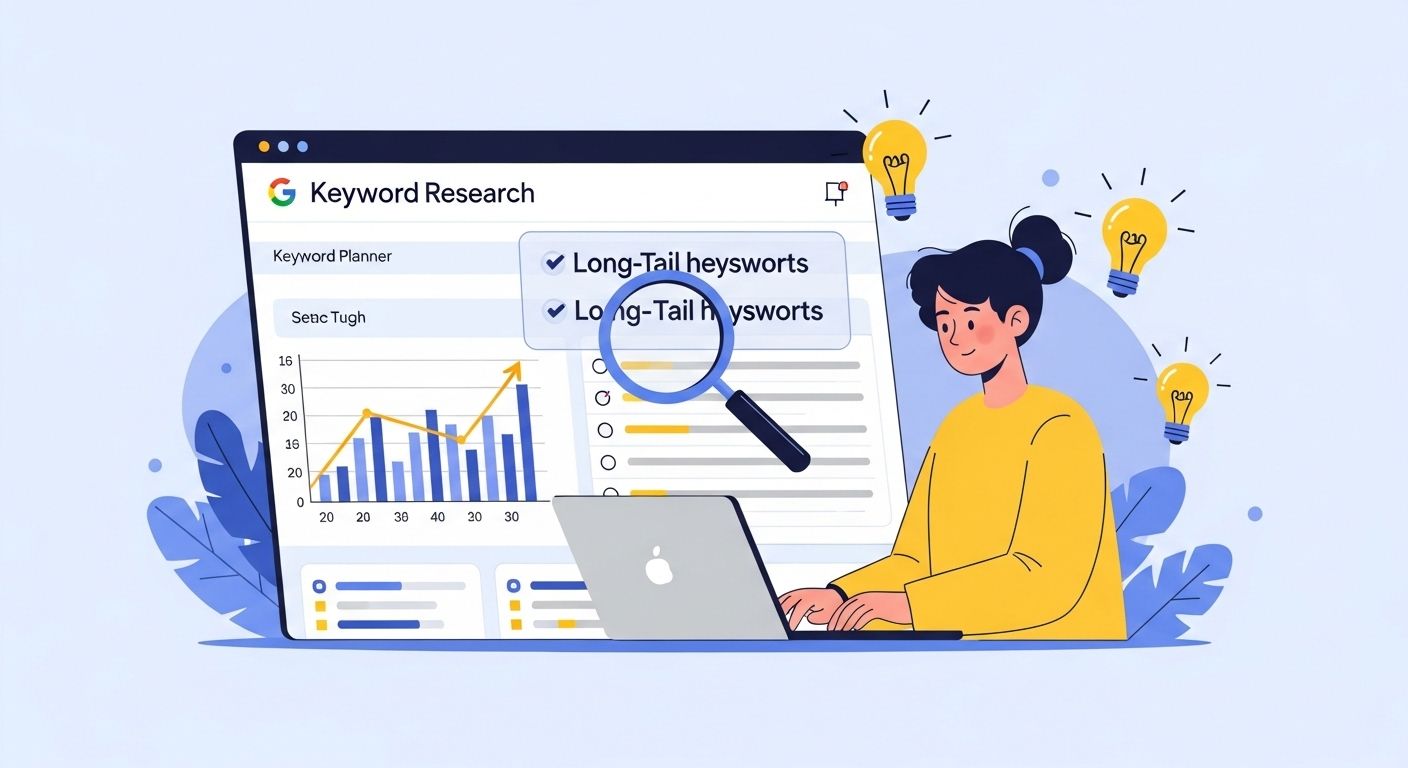
Google Ads is a bid-based advertising system. The process works as follows:
| Search | A user searches for a keyword related to your business (e.g., “organic soap”) on Google. |
| Auction | Google puts all advertisers bidding on that keyword into an auction within milliseconds. |
| Ranking | Your ad's ranking is determined by evaluating your bid amount and Quality Score (the relevance of your ad and landing page). |
| Cost | Your ad appears on the Search Results Page (SERP), YouTube, or partner sites. You only pay when someone clicks on your ad (PPC - Pay-Per-Click model). |
Why the Auction Isn't Always Fair: Enter Shadow Bidding

While Google explains the auction as a simple calculation of Bid x Quality Score, there is a hidden variable: Invalid Traffic. When bots or competitors click your ads, they artificially inflate the "market interest" for your keywords. This creates a "Shadow Bidding" environment where you end up paying a premium TPC (Targeted Per Click) just to outbid non-human entities. In 2026, mastering Google Ads means not just winning the auction, but ensuring you aren't bidding against a script.
Setting Up a Google Ads Account in 5 Steps
Follow these 5 essential steps for a successful start:
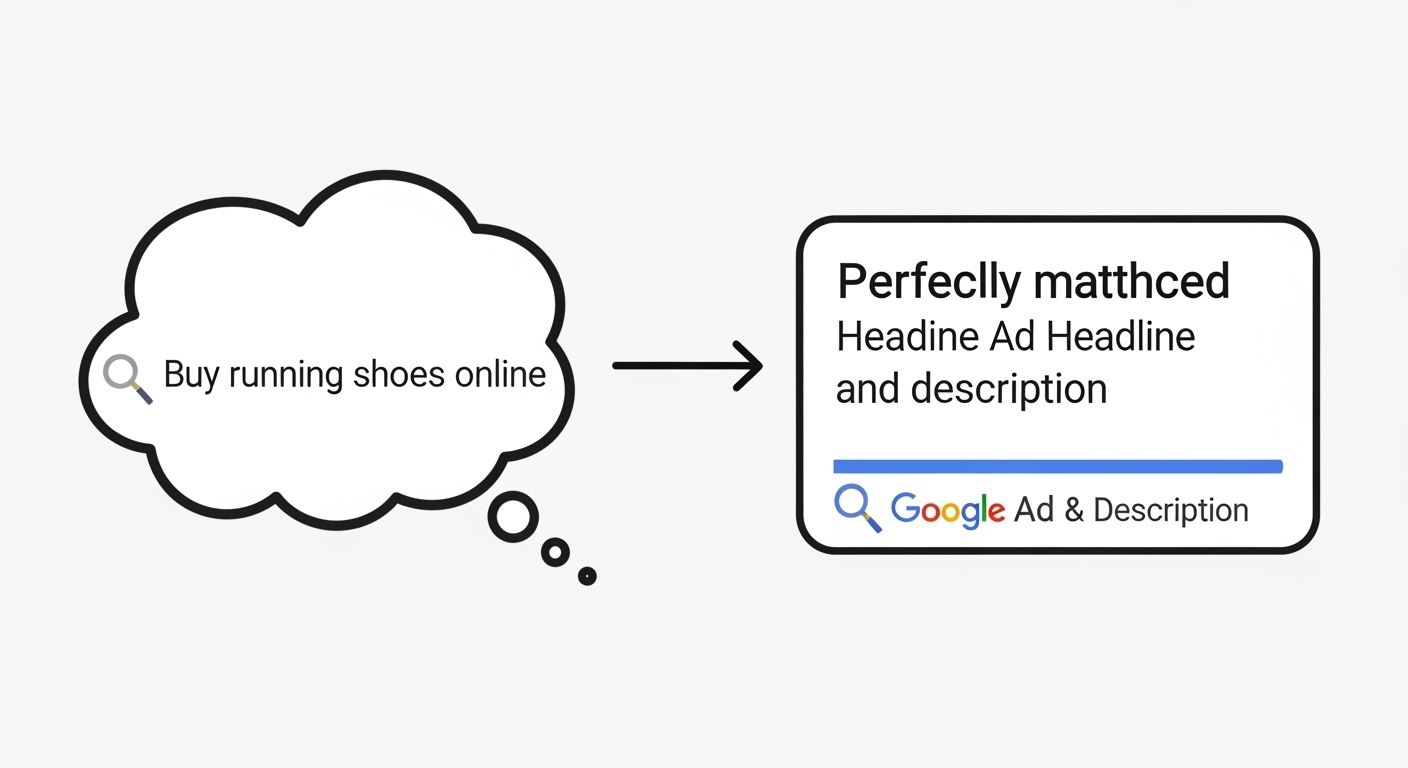
Step 1: Keyword Research – Identify Your Target Audience
The right keyword is the key to success. Instead of general words like “soap,” focus on specific (long-tail) words like “handmade organic olive oil soap Istanbul.”
| Broad Match | Provides maximum visibility but may also attract irrelevant searches. |
| Exact Match | Brings less traffic but targets the audience with the highest conversion potential. |
| Tool Recommendation | Use Google Keyword Planner, Semrush, or Ahrefs. |
Step 2: Select Campaign Type
Determine the format that best suits your goal:
| Search Network | Reach people actively searching for your product or service (text ads). |
| Display Network (GDN): | Show visual ads on websites to build brand awareness. |
| Shopping | Directly display product images and prices for e-commerce sites. |
| Video | Reach audiences via YouTube. |
Step 3: Create Ads – Be Persuasive
Your ad text should be clear and actionable.
| Headlines | Write headlines that spark interest and include keywords. |
| Descriptions | Clearly state the benefits of the product. |
| CTA (Call to Action): | Use clear directives such as “Buy Now” or “Request a Quote.” |
Step 4: Set Your Budget
Determine the maximum amount you want to spend daily. Testing with a low budget at the beginning prevents your money from going to waste. Be prepared to shift your budget to the best-performing keywords.
Step 5: Monitoring and Optimization
Google Ads is not a “set it and forget it” system. It requires constant monitoring, analysis, and improvement.
Google Ads Optimization Tips: How to Protect Your Budget?

After launching your campaigns, implement the following expert tactics to boost performance and reduce costs:
1. Analyze Performance and Traffic Quality
Data analysis isn't just about looking at conversions; it's also about examining the source of your traffic. Analyze whether clicks come from real people or bots. If you have a high click-through rate but zero conversions, you may be a victim of click fraud. This “invisible” traffic silently eats away at your budget.
2. Set Up Conversion Tracking Correctly
Track not only sales but also micro-conversions such as “Add to Cart,” “Form Submission,” or “Whatsapp Click.” By tracking up to 15 different user actions in your Google Ads account, you can see at which stage of the funnel you are losing customers.
3. Use Self-Updating Reports
Use automated reports (Looker Studio, etc.) to avoid being overwhelmed by data. Focus on two main tabs:
Overview: Clicks, spending, and conversion cost.
Dynamics: Changes in performance over time. This allows you to immediately spot sudden drops or suspicious traffic spikes (bot attacks).
4. Use Negative Keywords
The fastest way to protect your budget is to identify words you don't want your ad to appear for. For example, if you sell luxury products, add words like “cheap” or “free” to your negative list to prevent unnecessary clicks.
5. Research Your Competitors (But Be Careful)
Analyze which keywords your competitors are advertising on. But remember, sometimes your competitors may try to drain your budget by clicking on your ads. If you are consistently getting clicks from a specific region but not making sales, consider the risk of Google Ads click fraud—a tactic where rivals drain your budget to remove your ads from the SERP.
6. Narrow Your Target Audience and Demographics
Not everyone is your customer. Analyze which age, gender, or income groups your campaigns perform better with and increase your bids for these groups. Rely on data, not assumptions.
7. Try Geographic Targeting
Are clicks in Los Angeles more expensive than those in Newyork? Or is traffic from a specific city not converting at all? Use geographic bid adjustments to shift your budget to the regions that generate the most revenue.
8. Match Search Intent
If a user searches for “What is Google Ads?”, they want information; if they search for “Google Ads agency”, they want a service. Your ad text should respond precisely to the user's intent. Trying to make a direct sale to someone seeking information can lower your click-through rate.
9. Don't Neglect Ad Extensions
Expand your ad space. Increase the area covered by your ad and the likelihood of clicks by adding a “Call” button, sitelinks, promotions, and location extensions.
10. Follow Up with Remarketing
Don't let users who visit your site but don't buy leave. Create remarketing lists to offer special deals to this warm audience and win them back.
11. Perform Cross-Channel Analysis
Sometimes a conversion that's expensive on Google Ads can be cheaper on Facebook or LinkedIn. Look at the big picture to allocate your budget wisely across channels.
12. Focus on Top Performers
Apply the Pareto principle: 80% of your results come from 20% of your keywords. Instead of wasting time improving poor performers, invest your budget in the winners.
The Quality Score Sabotage

The Quality Score Sabotage Quality Score is heavily influenced by your Expected Click-Through Rate (CTR) and Landing Page Experience.
Conclusion: Protect Your Budget from “Invisible” Threats
Google Ads optimization is more than just finding the right keyword; it's about ensuring your budget is spent on real customers. It is estimated that approximately 40% of traffic in the digital advertising world comes from bots. Even if you choose the best keyword, you won't achieve ROI (Return on Investment) if your clicks are coming from bots or competitors.
If you're in a highly competitive industry, you must monitor not only your ad settings but also your traffic quality.
Optimize and Protect Your Ad Campaigns! Block fake clicks with ClickSambo and ensure your ad budget is spent only on real customers.

Starting with Google Ads? Don't let competitor clicks kill your ROAS. ClickSambo is the essential "insurance" for your ads.
 How It Works
Frequently asked questions
To prevent competitors from repeatedly clicking your ads to drain your funds, you should implement specialized Competitor Click Fraud Protection that automatically identifies and blocks malicious IP addresses.
Sophisticated Invalid Traffic is the most challenging because it uses advanced scripts to mimic real human browsing behavior, often bypassing standard security filters provided by ad networks.
Yes, Enterprise Ad Fraud Protection is designed for large-scale operations, offering the robust security and detailed analytics required to manage multinational accounts across various regions.
The most critical benefit is comprehensive Ad Spend Protection, which ensures that your daily budget is reserved for high-intent human visitors rather than being wasted on non-converting bots.




 Other
Other