
Updated Date:
The location of the exclusion list depends on whether it applies to a specific campaign or your entire account.
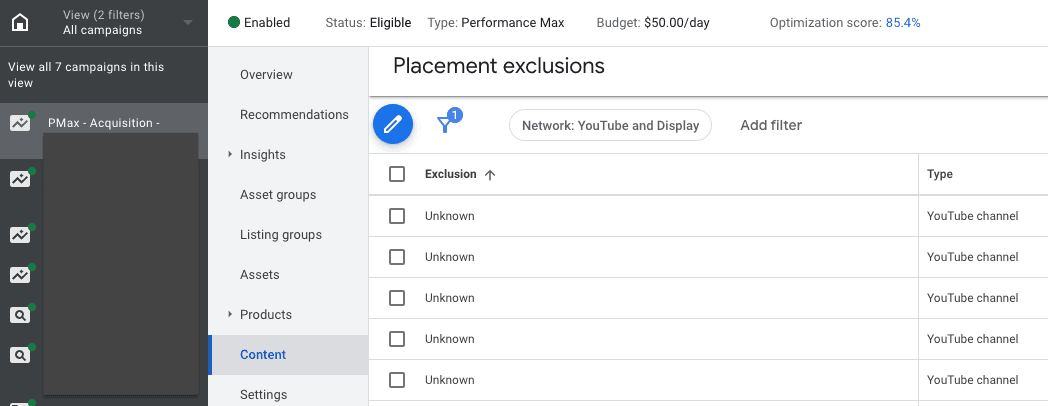
In your Google Ads account, select the specific Display, Video, or Demand Gen Campaign you want to check.
In the left-hand menu, navigate to the Placements section.
Click on the Exclusions tab at the top of the page to view the list for that campaign.
In the main menu, click the Admin icon.
Go to Account settings.
Expand the Content suitability section and click on Excluded placements to see the list that applies to your entire account.
Note: It is not yet possible to automatically exclude placements directly through the ClickSambo Dashboard. This feature is currently in our development pipeline.


Protect your marketing budget and increase revenue with ClickSambo
Start Trial
Analyze your account and uncover losses caused by fake clicks.
Get Free Report
Reach us easily via WhatsApp, live chat, or email.
Contact Us
Join our partner program and turn ad-fraud protection into a scalable, recurring revenue stream.

 Other Advertisement Analytics Performance


