
Updated Date:
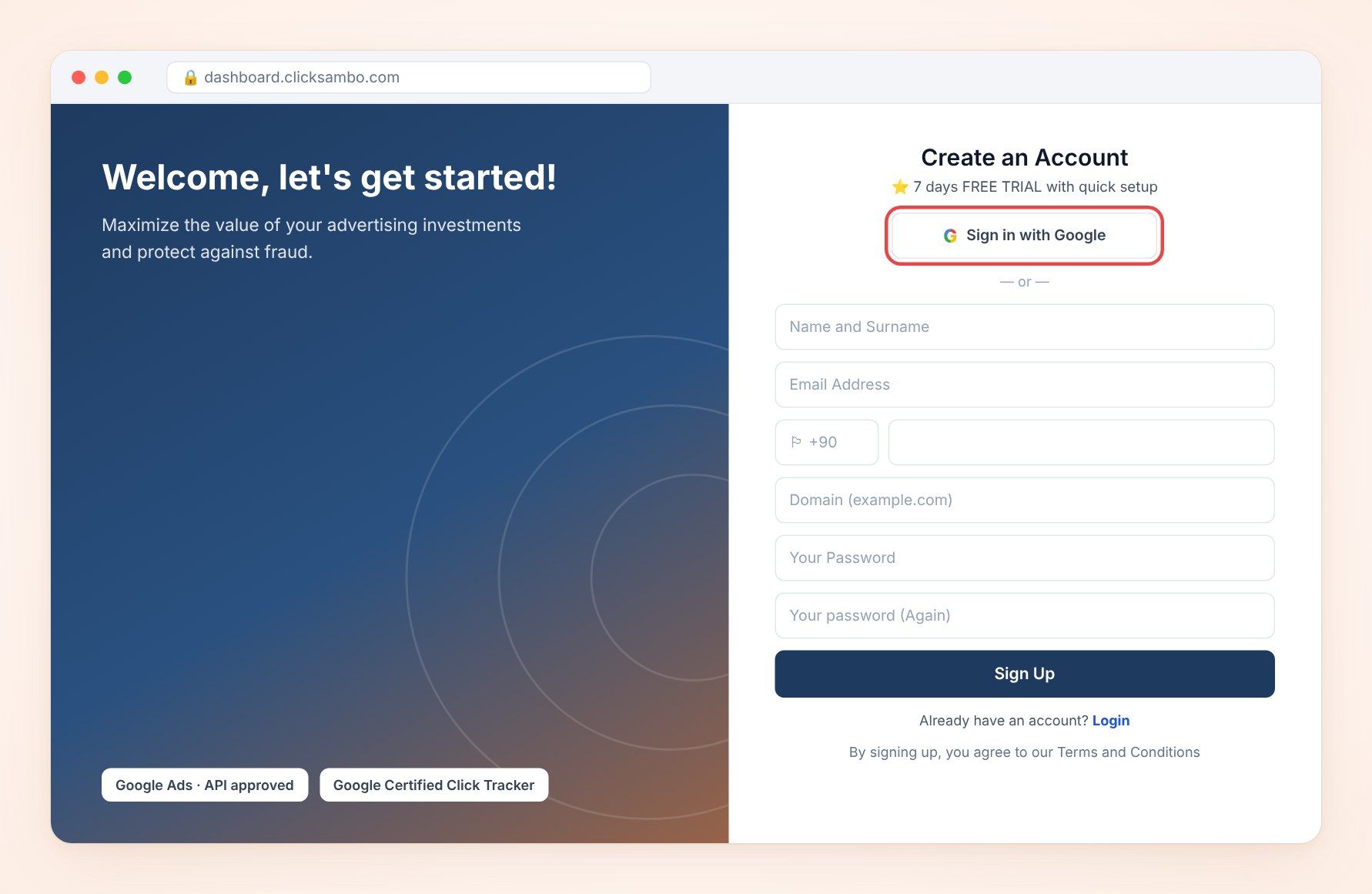
Go to the ClickSambo website and click Try Demo to open the Create an Account page.
Click the Sign in with Google button.
In the pop-up window, choose the Google account you want to use.
Review the permissions ClickSambo requests and click Allow (or Continue) to proceed.
On the next page, enter the main domain of the website you want to protect (e.g., yourwebsite.com) in the Domain (example.com) field and click Sign Up.
Your ClickSambo account is created and linked to your Google account with the domain you entered. You may be logged in automatically.
Follow the on-screen instructions to complete your initial setup, such as selecting your plan and starting your free trial.
Google sign-up issues: Make sure you are signed in to your Google account. If the pop-up does not appear, check that your browser is not blocking pop-ups and try again, or sign up with email.
Permission issues: If you denied the permissions by mistake, start again and approve them. You can review the apps connected to your Google account in your Google Account settings.
Domain field not appearing: Make sure you approved ClickSambo's access. If the domain page still does not appear, sign up with email instead.
Still having problems? Contact our team via the Support page.


Protect your marketing budget and increase revenue with ClickSambo
Start Trial
Analyze your account and uncover losses caused by fake clicks.
Get Free Report
Reach us easily via WhatsApp, live chat, or email.
Contact Us
Join our partner program and turn ad-fraud protection into a scalable, recurring revenue stream.

 Other Advertisement Analytics Performance


