
Updated Date:
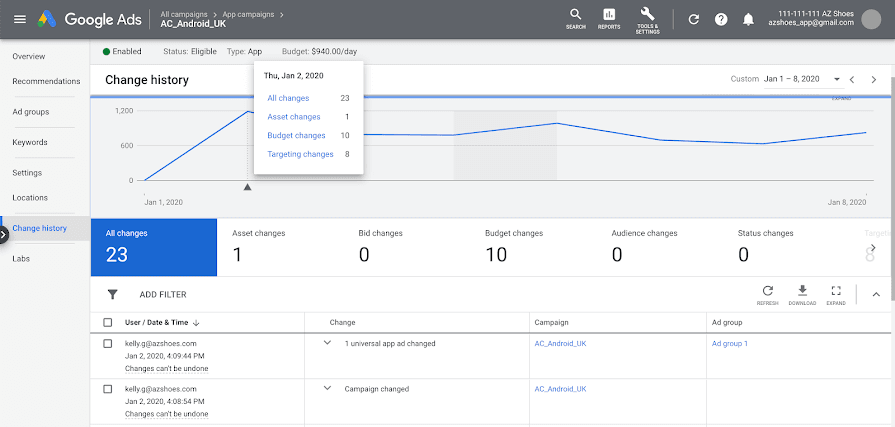
ClickSambo's actions are transparently recorded within your Google Ads Change History. This allows you to easily review all modifications made by the tool.
To view changes made by ClickSambo in your Google Ads Change History:
Sign in to Google Ads: Go to and sign in to your account.
Navigate to Change History: Click on the "Tools and settings" icon (represented by a wrench unicodex2699) in the top right corner.
Under the "Bulk actions" section, click on "Change history".
Filter for ClickSambo Changes:
To specifically view changes made by ClickSambo, you can apply the following filters:User Filter: Use the "User" filter to select the Google account email address you used to authorize ClickSambo.
Change Type Filter (Optional but Recommended):
To narrow down your results, you can also filter by "Change type" for "IP exclusion" changes, as this is a common action performed by optimization tools.
By following these steps, you can effectively monitor and verify all actions ClickSambo has taken within your Google Ads account.


Protect your marketing budget and increase revenue with ClickSambo
Start Trial
Analyze your account and uncover losses caused by fake clicks.
Get Free Report
Reach us easily via WhatsApp, live chat, or email.
Contact Us
Join our partner program and turn ad-fraud protection into a scalable, recurring revenue stream.

 Other Advertisement Analytics Performance


